
Focus on your GIS apps, not administration. All of our cloud hosting plans provide the tools, services, and support you need to build and deploy your GIS applications. See for yourself why individuals and institutions on over 70 countries worldwide have made AcuGIS their GIS hosting solution. At AcuGIS, we are committed to OpenSource and to not locking you into proprietary solutions. We provide the convenience you want with the freedom you need.
Publish your QGIS maps online in a matter of minutes and share them with anyone! Preserve your symbology, update project as you go and control access to maps and layers. Use WFS and WMS to collect data directly into QGIS using our Mobile Data Collection app!
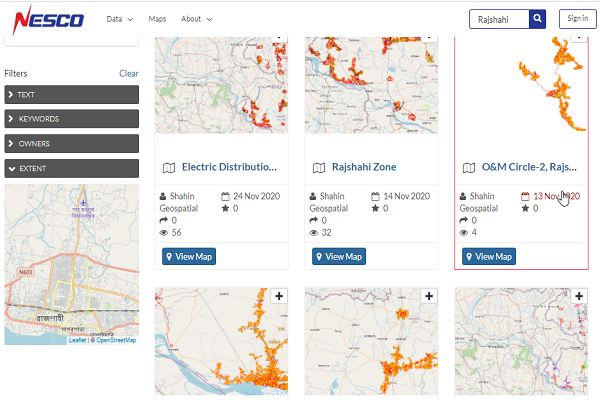
Browse and search for geospatial data
a Map Viewer is an easy way to view and access maps and data. Optimized for non-professionals, Map Viewer enables you to access shared or public maps on any device in real time. Use this app as a collaboration tool by giving different levels of access to your clients by defining permissions. Data incudes view on either map or via attribute table.
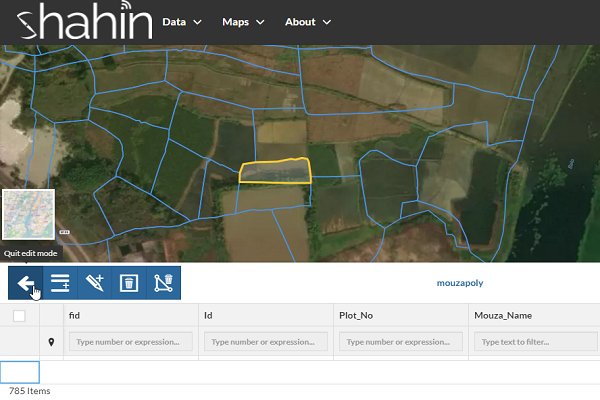
Create And Edit Maps, Layers And Features
Create complex maps with QGIS desktop, using any of the styling possibilities offered by QGIS desktop. Just as you have always done with QGIS desktop. Then simply publish data and maps with the QGIS Cloud pluign. All this in just a few minutes, it's as simple as it gets.identify different features and attributes
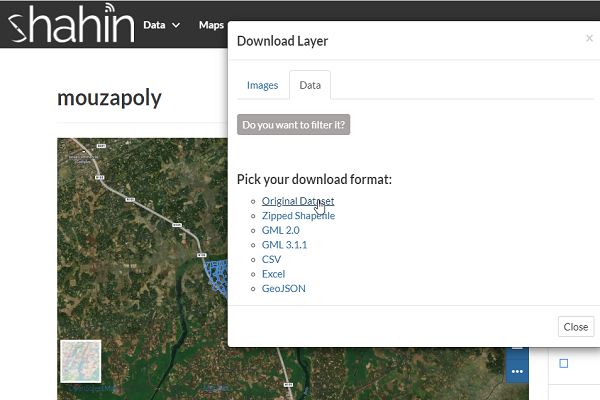
Data Import/Export
eoNode makes it easy to upload and manage geospatial data on the web. Any user can upload and make content available via standard OGC protocols such as Web Map Service (WMS) and Web Feature Service (WFS). Data is available for browsing, searching, styling, and processing to generate maps which can be shared publicly or restricted to specific users only. Supported upload formats include shapefile, GeoTIFF, KML and CSV. In addition, it is possible to connect to existing external spatial databases and services.
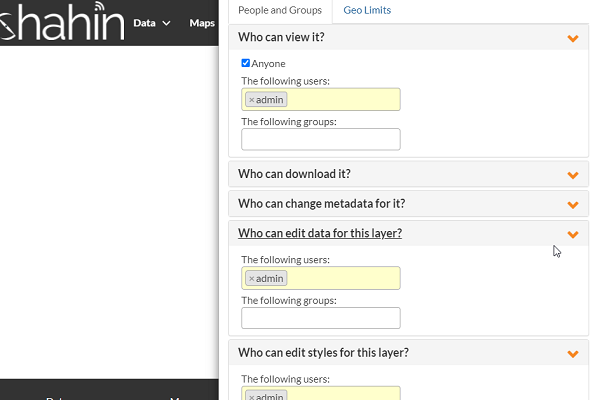
Security
The data is stored in the cloud in PostgreSQL databases. Access to the databases is protected with a password, and accessed through SSH. If you want to share your services only to a restricted group of people, then you can limit access to the resources. For this, you'll need QGIS Cloud Pro. With QGIS Cloud Free, all QGIS Cloud services are openly accessible.
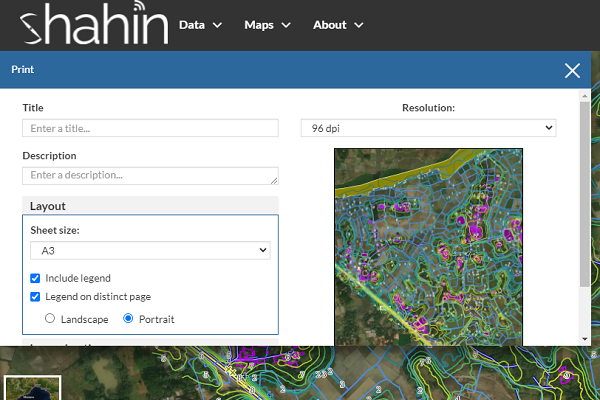
Print Map
Offer high quality maps via WMS for printing. Just create as many print compositions as you please with
Share information and data
Share your maps and data over OGC (Open Geospatial Consortium) compliant web services. Display your maps via WMS, or download the data via WFS. With WFS-T, you can edit your data directly over the web service. Or use the QGIS Cloud WebGIS and Mobile Client integrated in QGIS Cloud. If your information and data should not be publicly accessible, QGIS Cloud pro allows you to restrict access by protecting the resources with a password.